Customers
Mengelola catatan customer
Menambah, mengubah, dan menghapus catatan pada satu customer.
Sebelum mulai
- Catatan dikelola di dialog Edit Customer. Cara membukanya ada di Mengubah customer.
- Bagian Notes hanya ada saat mengedit customer yang sudah ada, bukan saat menambah.
Langkah
Di dialog Edit Customer, buka daftar pilihan bagian di bawah deskripsi dan pilih Notes. Angka di sebelahnya adalah jumlah catatan, misalnya Notes (2).
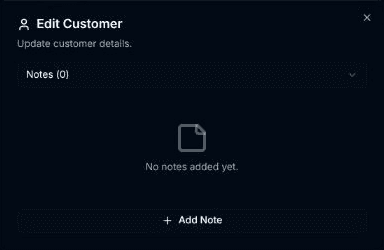
Klik Add Note.
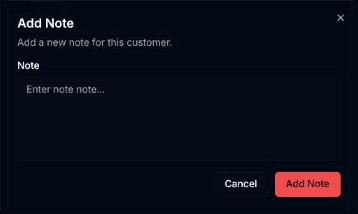
Dialog Add Note terbuka ("Add a new note for this customer."). Isi kolom Note, lalu klik Add Note.
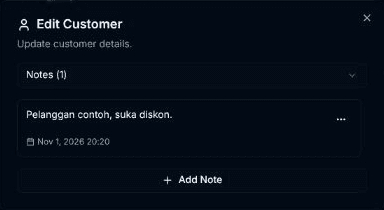
Pada satu catatan, klik tombol titik tiga untuk memilih Edit atau Delete. Pada Edit, dialog Edit Note terbuka dengan tombol Update Note.
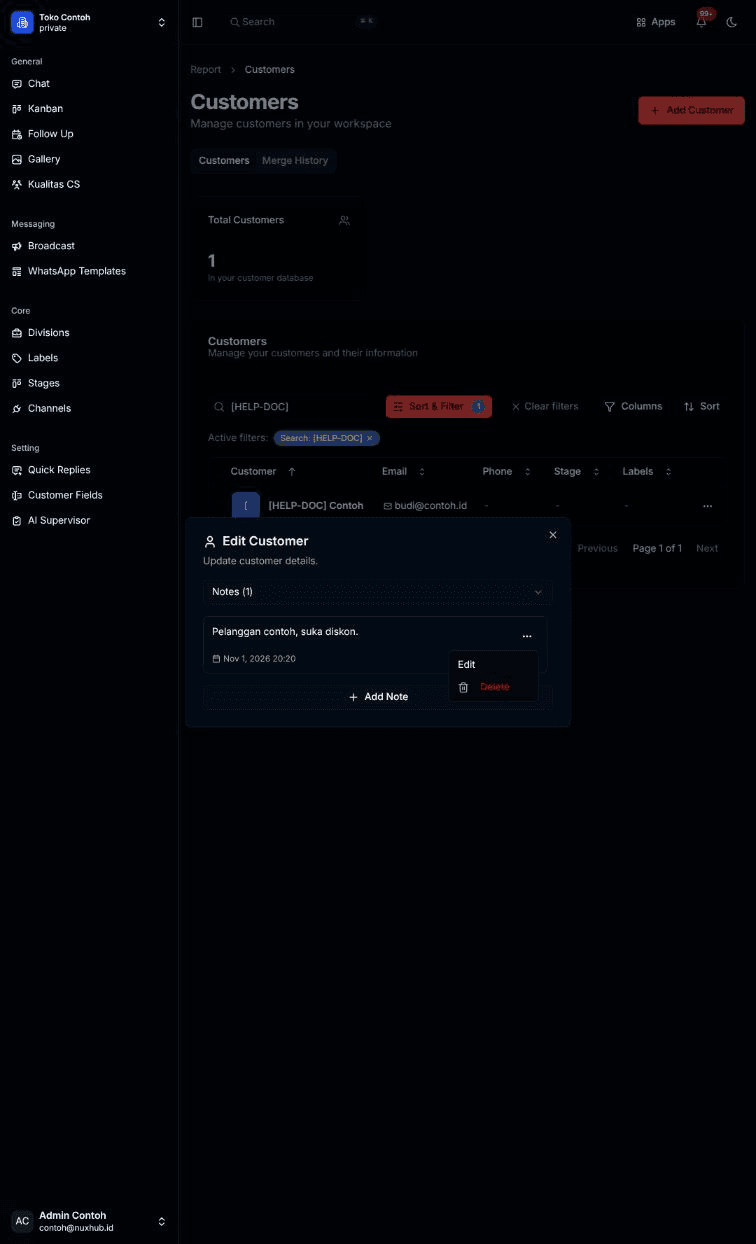
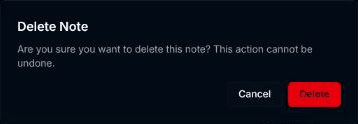
Pilih Delete. Dialog Delete Note muncul: "Are you sure you want to delete this note? This action cannot be undone." Klik Delete atau Cancel.
Hasilnya
- Catatan baru tampil di daftar dengan tanggal dibuat. Catatan yang pernah diubah diberi tanda (edited).
- Pesan yang muncul: Note added successfully!, Note updated successfully!, Note deleted successfully!.
Masalah umum
- No notes added yet. — customer ini belum punya catatan.
- Failed to add note. Please try again., Failed to update note. Please try again., Failed to delete note. Please try again. — operasinya gagal.