Customers
Melihat daftar customer
Membuka halaman Customers dan mengenali isinya.
Sebelum mulai
- Halaman ini mengelola customer di workspace yang sedang dipilih. Tanpa workspace terpilih halaman menampilkan Please select a workspace to manage customers.
- Tombol Add Customer hanya tampil bila peranmu punya izin
customer:create. - Menu Edit dan Custom fields di baris customer butuh izin
customer:update.
Langkah
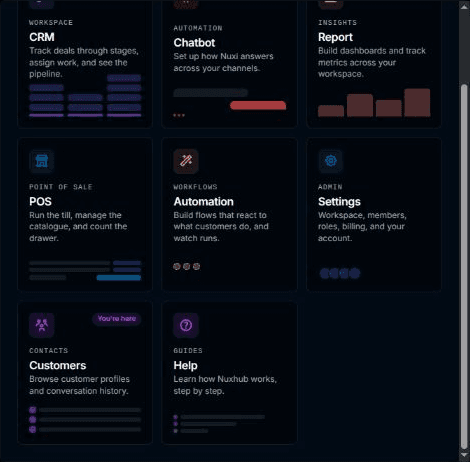
Buka Customers dari launcher.
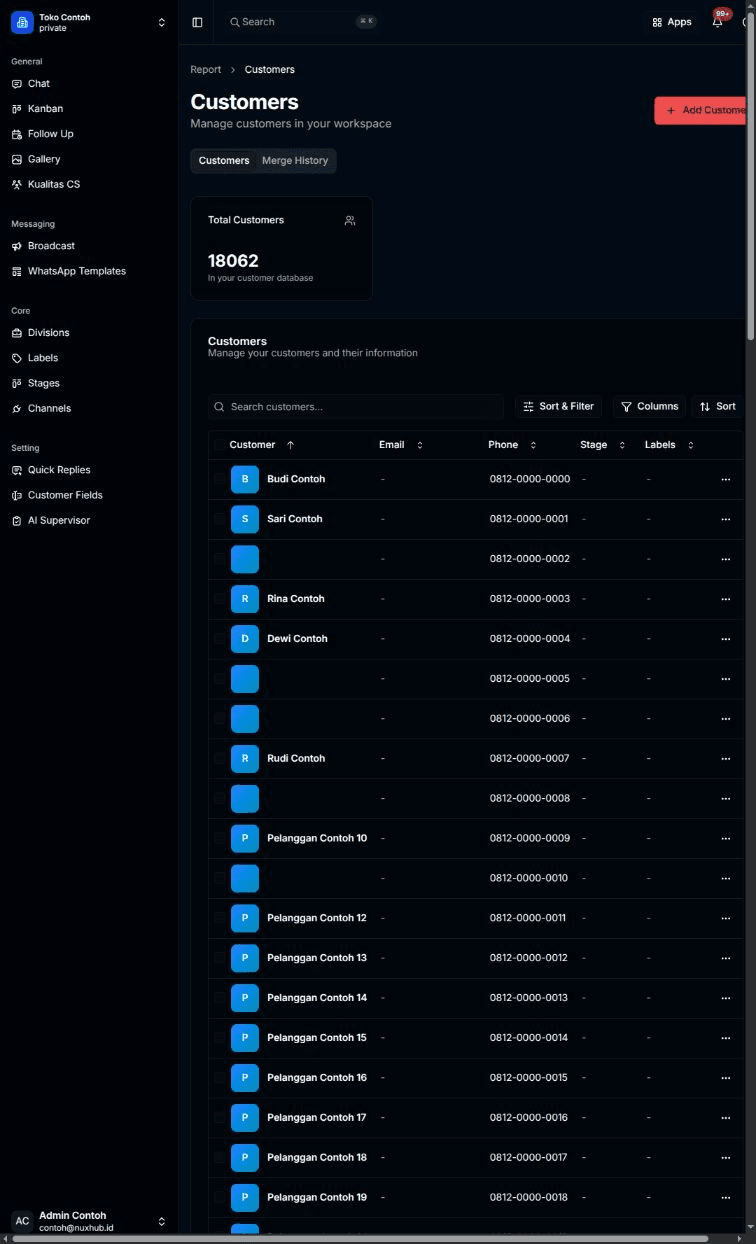
Halaman Customers terbuka di tab Customers. Kartu Total Customers menampilkan jumlah customer ("In your customer database"). Tabel di bawahnya punya kolom Customer, Email, Phone, Stage, dan Labels.
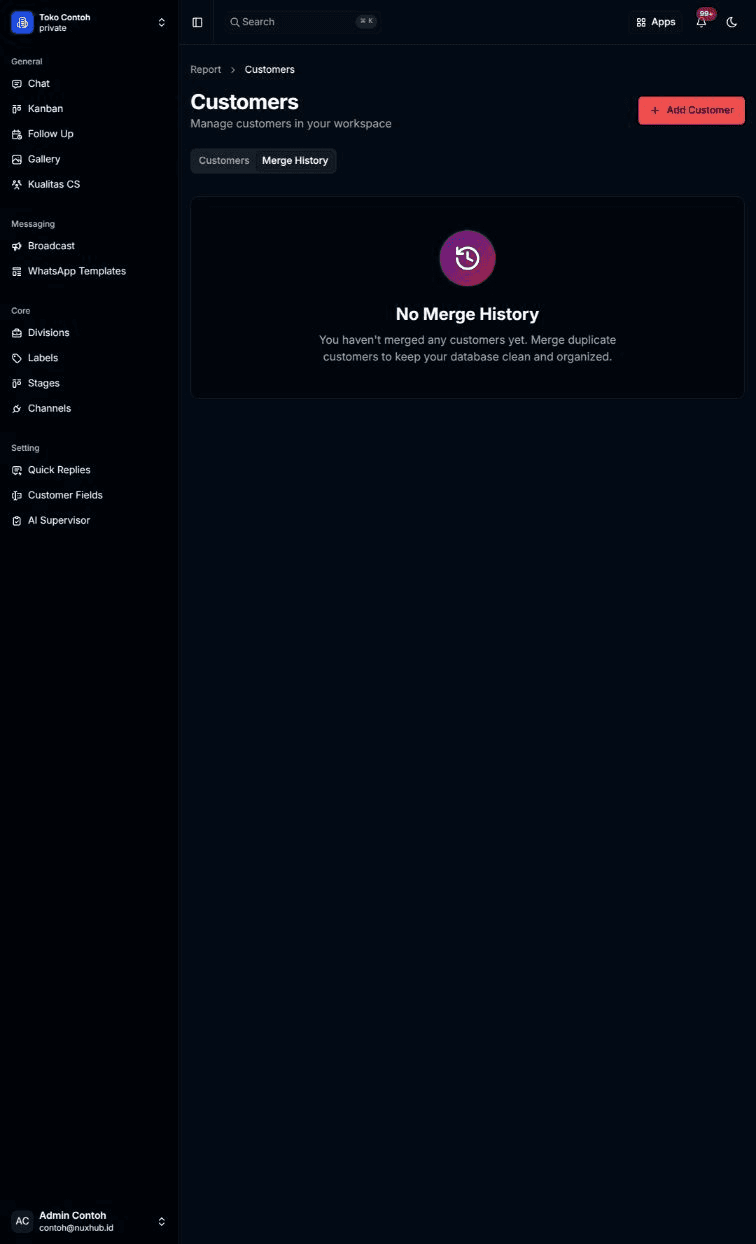
Pilih tab Merge History untuk melihat riwayat penggabungan customer.
Hasilnya
- Satu baris = satu customer, dengan kotak centang di kiri dan menu titik tiga di kanan. Isi menu dijelaskan di Mengubah customer, Menghapus customer, dan Mengisi custom field customer.
- Bagian bawah tabel menampilkan jumlah halaman dan tombol Previous dan Next.
- Topik lain: Menambah customer, Mencari dan menyaring customer, Mengelola catatan customer, Mengelola kontak customer, Menggabungkan customer, Melihat riwayat merge.
Masalah umum
- Please select a workspace to manage customers. — pilih workspace dulu.
- Welcome to Customers — "Start building your customer database. Add customers to track their information, stages, and interactions." Workspace belum punya customer. Pilih Add Your First Customer.
- Failed to load customers for this workspace. — pilih Try Again.
- No customers found. — tabel kosong tanpa filter. No customers match your filters. — ada filter aktif; pilih Clear filters.