Templates
Melihat template dashboard
Membuka Templates (halaman New dashboard) dan membaca template yang tersedia.
Sebelum mulai
- Menu Report tampil di launcher Apps (tile Report tidak dibatasi per workspace).
- Report berlaku per workspace. Tanpa workspace terpilih, halaman menampilkan No workspace selected ("Reports are scoped to one workspace.").
- Templates dan New dashboard membuka halaman yang sama (
/report/new).
Langkah
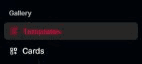
Di sidebar Report, grup Gallery, pilih Templates.
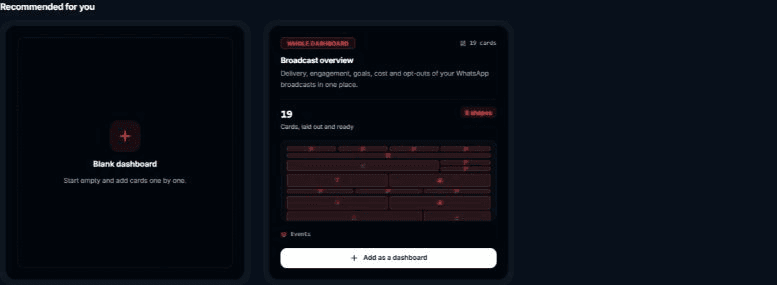
Baca bagian Recommended for you: kartu Blank dashboard lebih dulu, lalu template yang semua sumbernya dimiliki workspace ini.
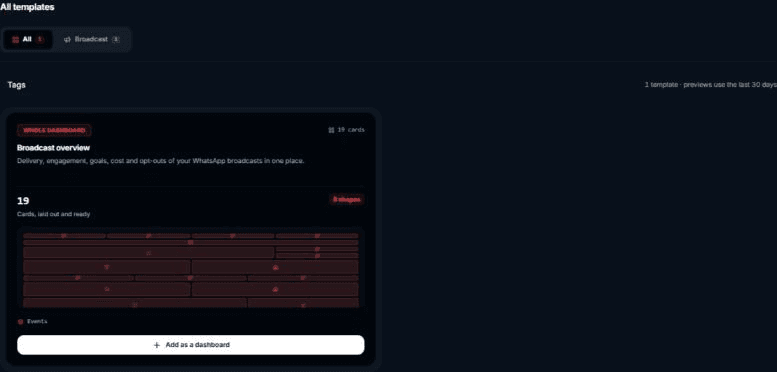
Gulir ke All templates. Tiap kartu berlabel Whole dashboard, menampilkan jumlah kartu, tata letak, dan sumber datanya.
Hasilnya
- Template dipakai lewat Membuat dashboard dari template.
Masalah umum
- Tanpa template: No templates yet ("Start from the blank dashboard above or browse single cards.").
- Template gagal dimuat: "The designed cards (Broadcast overview and other templates) could not be loaded." dengan tombol Retry.