Customer Fields
Mengubah customer field
Mengubah label, opsi, atau status customer field.
Sebelum mulai
- Butuh izin
customer_fields:manage. - Hanya Label, Options (tipe Select), dan saklar Active yang bisa diubah. Key dan Type nonaktif ("Key and type cannot be changed after the field is created.").
Langkah
Pada baris field, klik tombol pensil di kolom Actions.

Dialog Edit Customer Field terbuka. Ubah Label, atau Options bila tipenya Select (choose one), atau matikan saklar Active untuk menonaktifkan field.
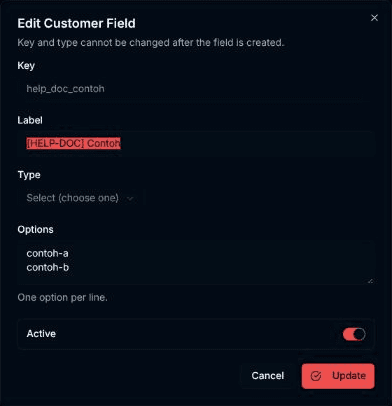
Klik Update. Pilih Cancel bila tidak jadi mengubah.
Hasilnya
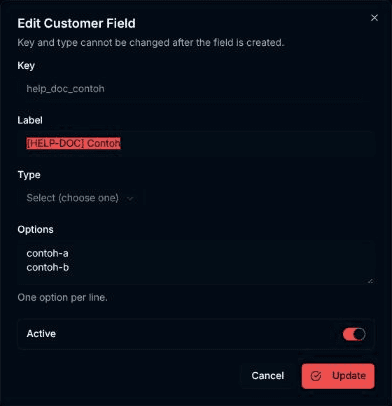
Dialog menutup dan muncul pesan Customer field updated.. Perubahan tampil di tabel.
Masalah umum
- Label is required dan Add at least one option for a select field — sama seperti saat membuat field.
- Failed to update customer field. — pembaruan gagal; pesan penyebab tampil di dialog.