Mengisi Business profile
Mengisi profil bisnis workspace dan menyimpannya.
Sebelum mulai
- Menyimpan butuh izin
workspace:update. Tanpa izin itu bar simpan tidak tampil. - Dua isian wajib sebelum bisa disimpan: Business name dan What you sell. Zona waktu harus dipilih dari daftar.
Langkah
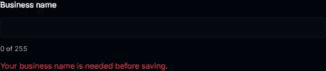
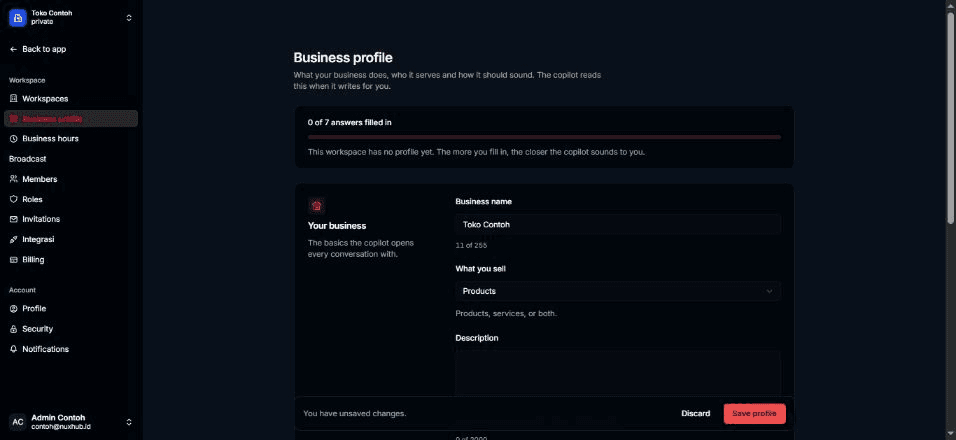
Buka Settings > Business profile. Di bagian Your business, isi Business name. Angka di bawah kolom (mis. "12 of …") menunjukkan batas karakter.
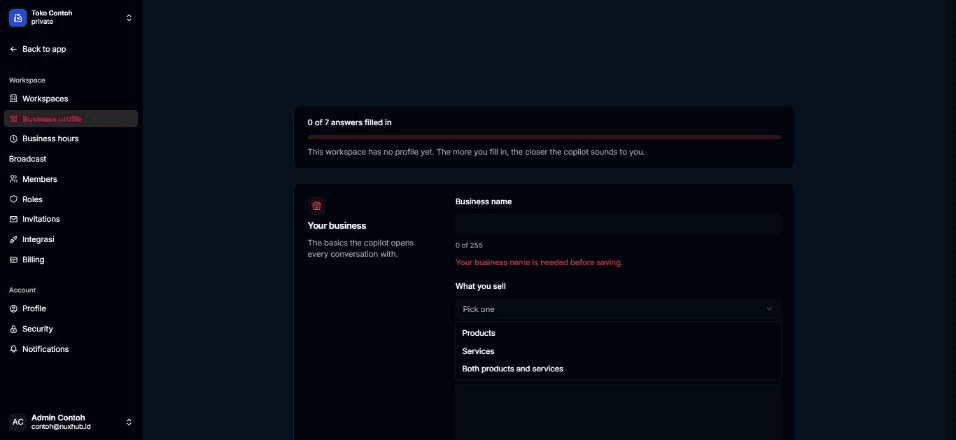
Pada What you sell, pilih Products, Services, atau Both products and services.
Isi Description dengan penjelasan singkat tentang bisnismu ("What the business does, in your own words.").

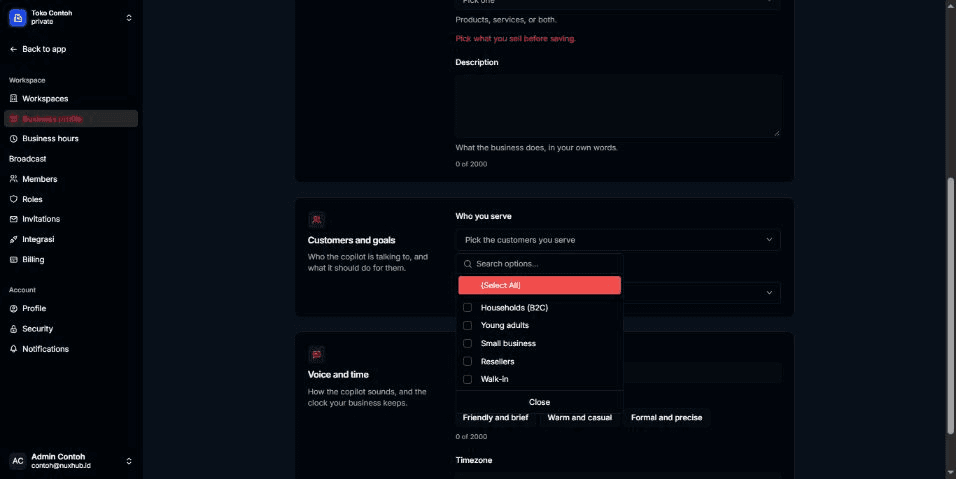
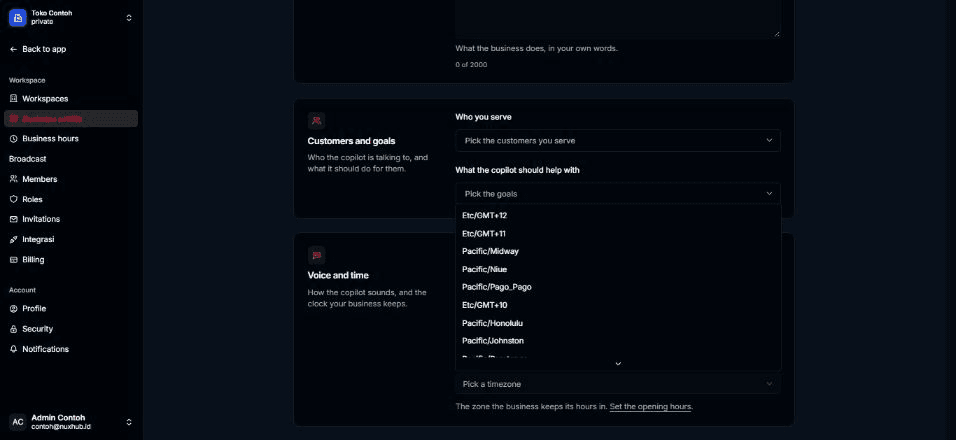
Di bagian Customers and goals, pada Who you serve, pilih satu atau lebih: Households (B2C), Young adults, Small business, Resellers, Walk-in.
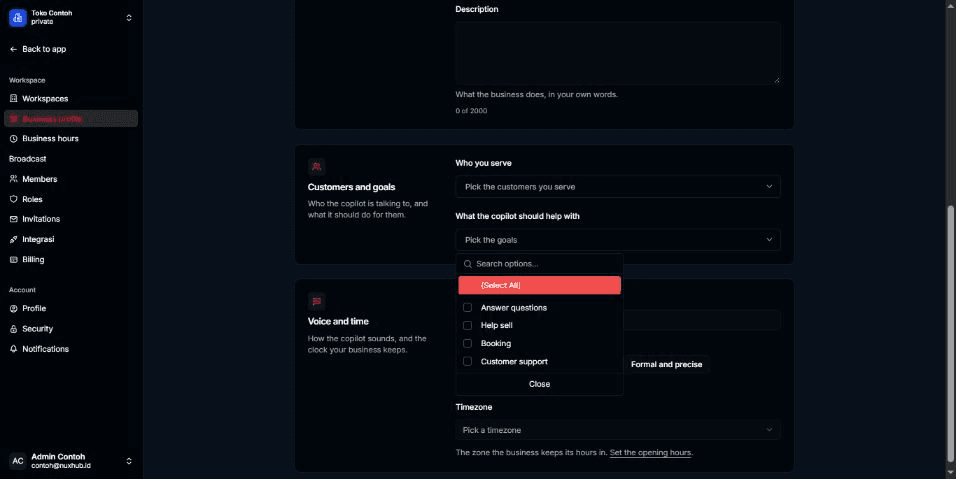
Pada What the copilot should help with, pilih satu atau lebih: Answer questions, Help sell, Booking, Customer support.
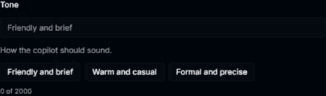
Di bagian Voice and time, isi Tone, atau pilih salah satu contoh: Friendly and brief, Warm and casual, Formal and precise.
Pilih Timezone dari daftar ("The zone the business keeps its hours in."). Tautan Set the opening hours di bawahnya membuka Business hours.
Setelah ada perubahan, bar di bawah halaman muncul dengan tulisan You have unsaved changes. Pilih Save profile untuk menyimpan, atau Discard untuk membuang perubahan.
Hasilnya
- Muncul notifikasi Business profile saved, dan tanggal Last saved di kartu atas diperbarui.
- Kartu kelengkapan menghitung ulang jumlah isian yang terisi.
Masalah umum
Saat tombol Save profile nonaktif, bar menulis alasannya:
- Add your business name to save.
- Pick what you sell to save.
- A field is over its character limit.
- Pick a timezone from the list to save.
Pesan di bawah kolom: Your business name is needed before saving., Pick what you sell before saving., Pick a timezone from the list., dan Keep the business name at … characters or fewer.
- Could not save the business profile. Please try again. — penyimpanan gagal; coba lagi.
- Bila profil lama berisi pilihan yang tidak ada lagi di daftar, ia tampil sebagai chip dengan tombol Replace with … and clear them. Pilih Keep them untuk membatalkan penggantian.